One workspace.
More ways forward.
Start with the job you want to finish. Inspect a location, review a plan and keep the result easy to find.
See what fills your drives.
Inspect a drive or a folder. Review large files and supported cache candidates, with the observed coverage and source information in view.
A space goal gives the task a clear purpose. It does not turn every old or large file into something disposable.
Start a space inspection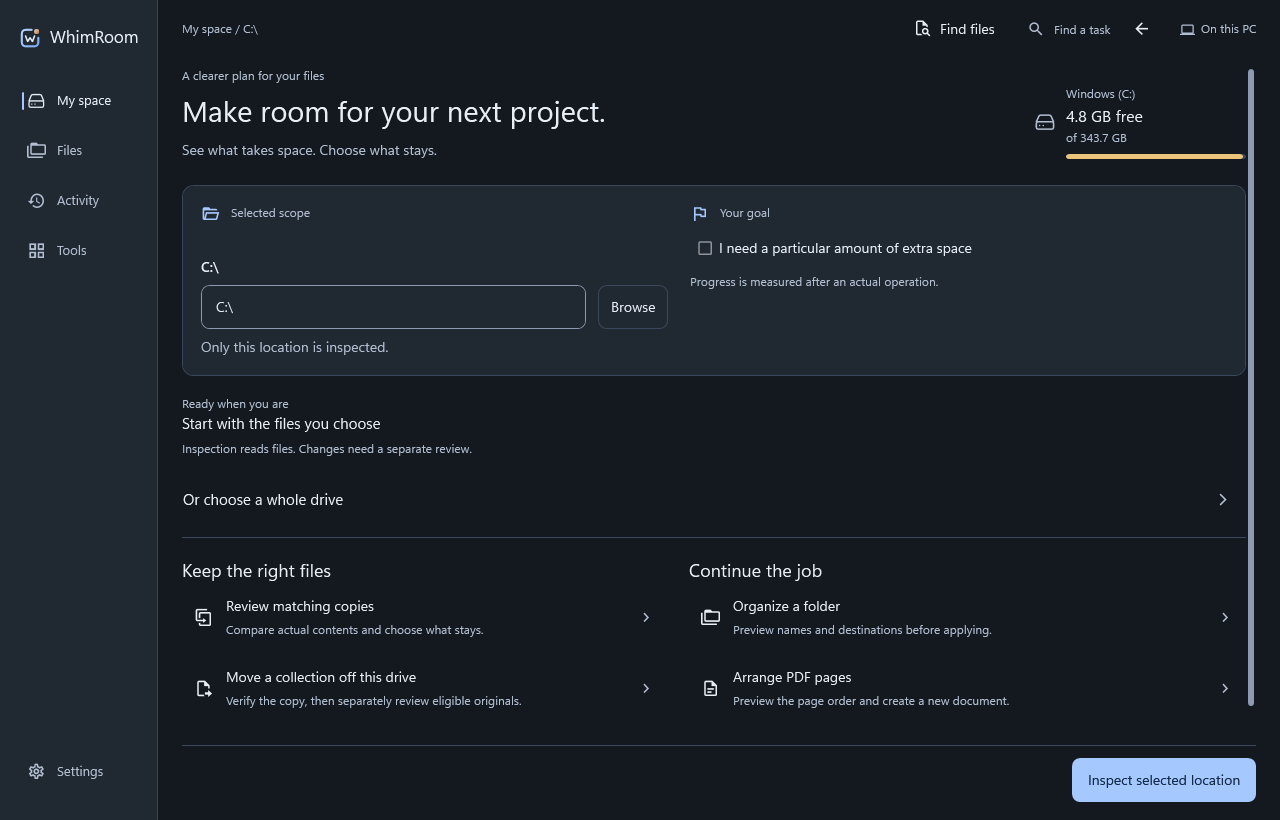
Review matching copies.
Compare file contents and inspect the evidence before choosing what stays. Duplicate review helps you decide; equality alone does not establish that a copy is no longer needed.
Keep independent backups you rely on. Review the proposed operation and its removal method before approval.
A match is a finding.
A decision to remove it is a separate step. Check the location, purpose and copies you want to retain.
Make folders work together.
Compare a source with a destination and preview missing-only copies. Existing destination files and conflicts remain visible rather than silently becoming replacements.
Organization workflows let you review literal folder rules and filename plans before changes are applied.
Plan a folder combination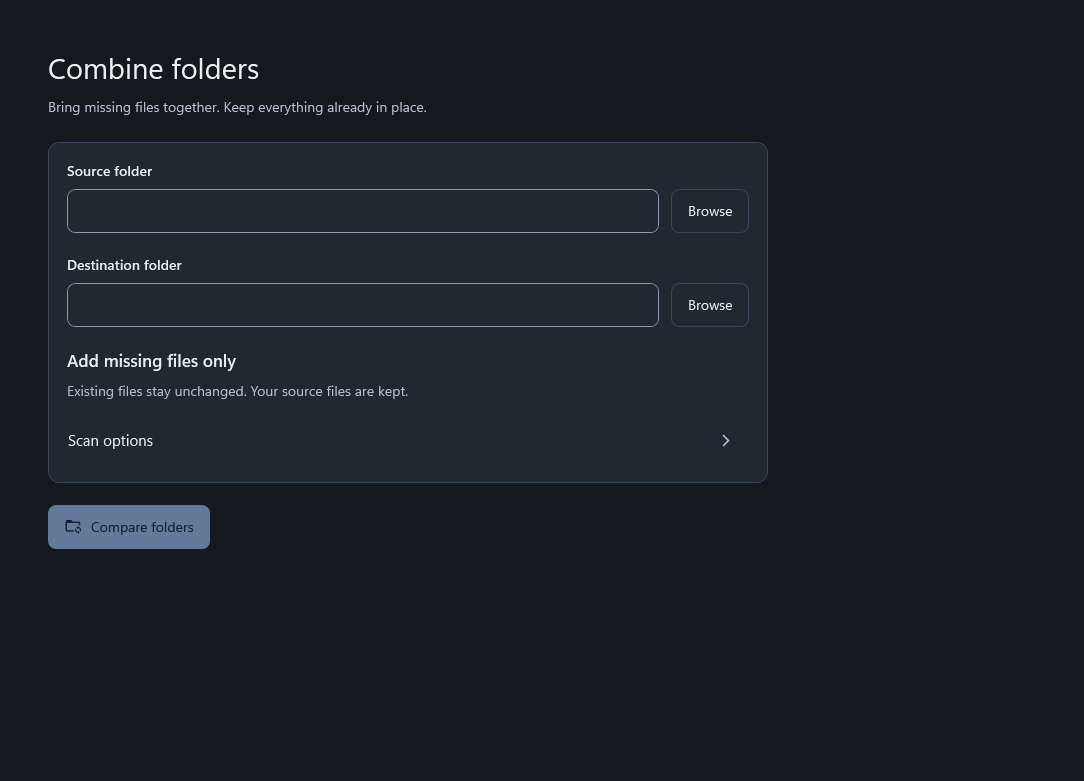
Put documents to use.
Open a document, read its text, use local OCR on supported sources or arrange PDF pages. Review sources and choose where to save the result.
Document filing supports rules you choose. An unreadable or uncertain source stays an explicit limitation.
Work with a document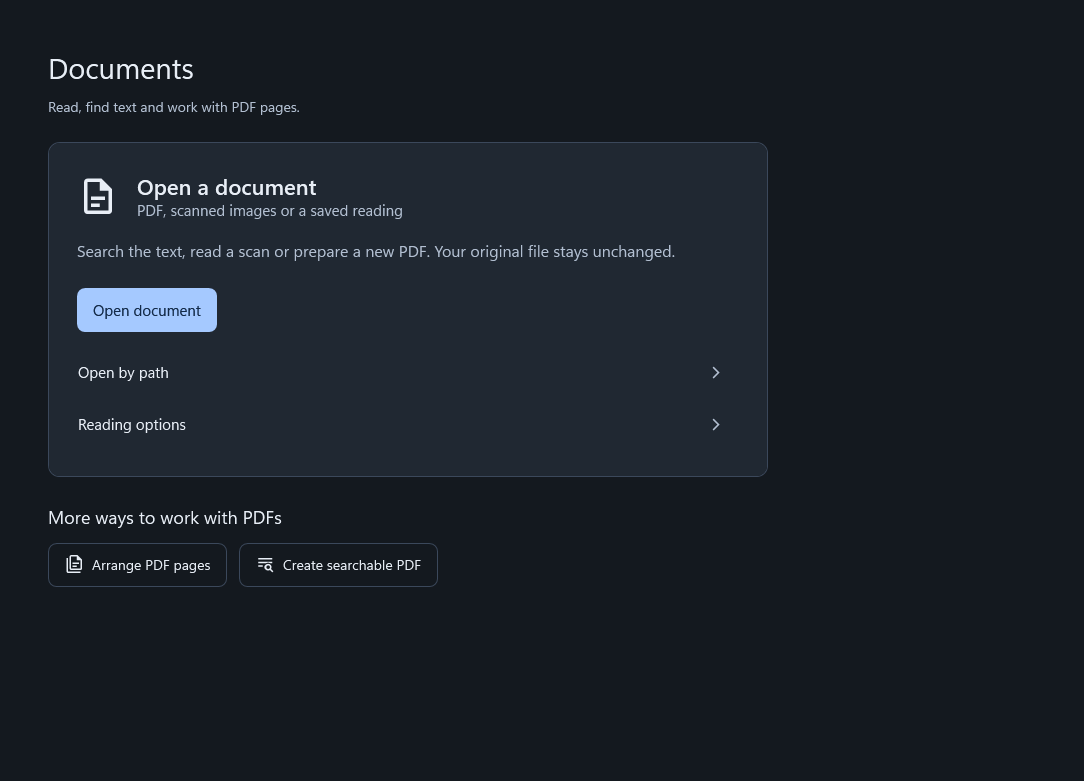
Move between connected locations.
Work with supported internal, external, network and cloud-synced locations available through Windows. Supported copy workflows verify outputs and retain resumable queues when interrupted.
Online-only files may require a provider download. Network availability and permissions affect coverage. WhimRoom does not provide direct cloud-account sign-in on this website.
Know what completed.
Review the actual outcome, partial progress and any errors before deciding what to do with originals.
Give an assistant useful tools.
Optional MCP connects a compatible client to WhimRoom’s local tools. Choose approved folders and a focused tool profile; review file-changing plans in the Windows app.
Explore assistant setupConnection is a choice.
Ordinary file and document workflows work without a connected assistant. Returned results follow the connected client’s privacy policy.