A clear first step.
Choose one location and one task. Review what WhimRoom found before you decide what to change.
Inspect a drive or folder
- Choose the scope. Open My space and select the location you want to inspect. You can also specify an extra-space goal.
- Read the results. Check large items, suggested opportunities and any coverage limitations. An inspection is not a file-change approval.
- Review the action. Examine the affected paths and the proposed operation. Confirm only the items you intend to change.
- Check the outcome. Read the result and recorded evidence. If a source changed or became unavailable, inspect again.
Choose which copies to keep
Open Review matching copies and select the relevant scope. Compare the matching evidence and locations, then choose the copies you need to retain.
Check separately stored backups and application-owned folders before approving any removal. Permanent cleanup is not covered by a general Undo promise.
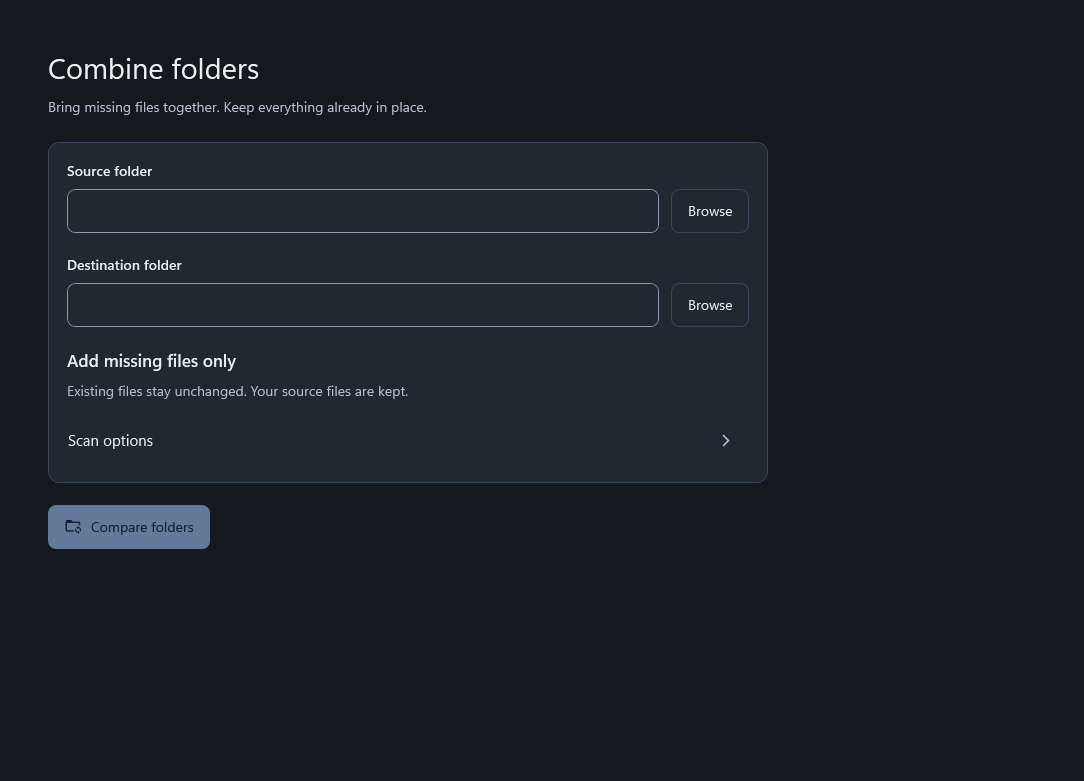
Combine folders without guessing
- Choose the source and destination. Confirm the direction before comparing.
- Compare the folders. Review missing files, existing destination files and conflicts.
- Review the plan. The missing-only workflow adds eligible missing files and keeps existing destination files.
- Verify the result. Check the operation’s actual completion status before taking a separate action on originals.
Read, search or arrange a document
Open Documents and choose a supported source. Use the reading and page tools for the task you need; OCR and document categorization use bundled local workers.
Review the output and choose its destination. Exports may contain private source text and are not automatically encrypted. You can use these document workflows without connecting an assistant.
When a location is unavailable
Check the connection, Windows permissions and cloud-provider status. An inaccessible folder is not an empty folder. For online-only cloud items, access can trigger a download through the provider.
Refresh an old inspection before making changes. Saved index entries and operation history are useful context, not proof that the filesystem is unchanged.