Merge folders.
Keep originals.
Define “merge” first: this guide adds missing files while preserving the destination’s existing versions and the source originals.
Define the direction
Choose a source and destination. For each relative path, decide what should happen when the destination is empty, already contains a file or contains a different version. Copying missing files is different from synchronization, replacement or source deletion.
Use a fresh test folder first. Avoid placing the destination inside the source or the source inside the destination. Check available space and access to both locations, especially on an external drive or network share.
Preview with Robocopy
Windows includes Robocopy. This example lists a missing-file copy, including subfolders, while excluding existing files classified as changed, newer or older. Replace the example paths with your test folders.
robocopy "C:\Folder-demo-source" "D:\Folder-demo-destination" /E /XC /XN /XO /XJ /R:1 /W:1 /L/L lists the proposed actions without copying, deleting or timestamping files. /XJ excludes junctions. The retry limits prevent long repeated retries. Microsoft documents these options and the existing-file exclusion pattern. This is a listing of filesystem classifications, not a content-hash verification.
After checking the listing, direction, conflicts and destination space on your test folders, remove only /L to perform the copy. This recipe does not use mirroring, purging or move options. Do not add them to a missing-only task; they can change its meaning. Linked folders, filesystem metadata and provider-specific items need separate consideration.
Keep conflicts visible
An existing destination path is kept by this policy, even when the source has the version you prefer. If both versions matter, save the source under a distinct name or in a separate review folder, then open both. Resolve a file-versus-folder collision explicitly rather than trying to force the copy through.
For example, if both locations contain Reports/budget.xlsx, keep the destination version and review the source separately. A missing Reports/notes.txt can be copied without deciding which budget is authoritative.
Use the reviewed workflow
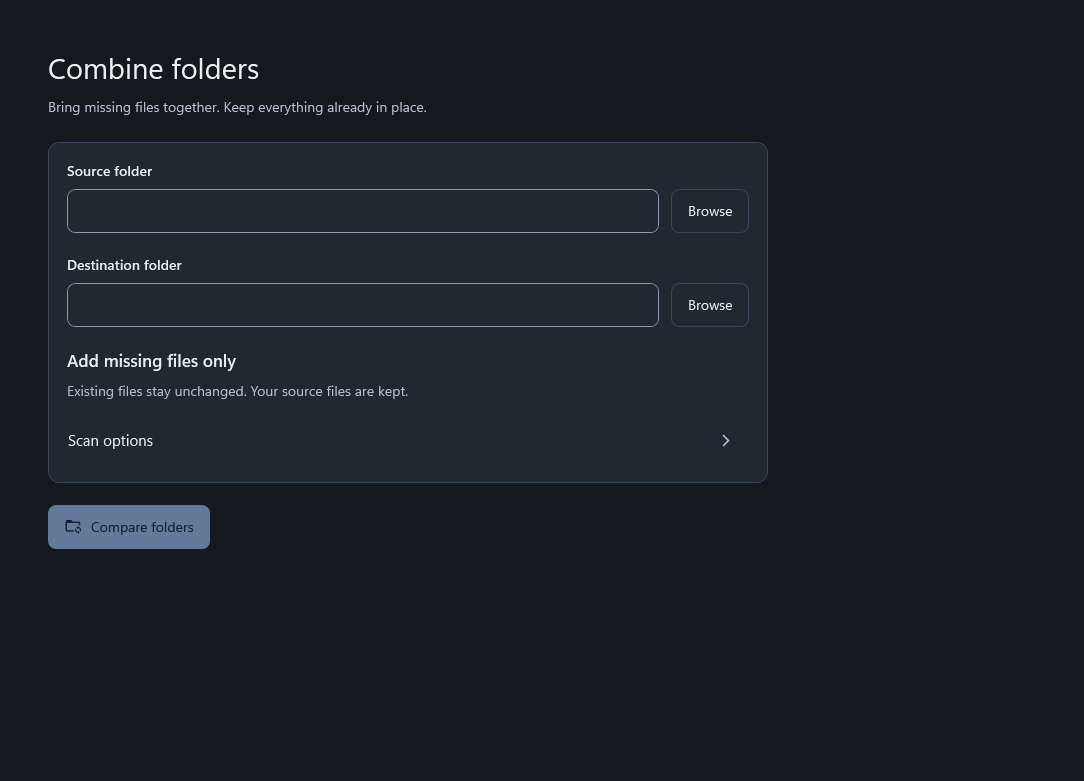
- Choose source and destination. Confirm which folder receives the new files.
- Compare the folders. Review missing items, existing destination files and conflicts.
- Approve the missing-only plan. Eligible missing files are copied. Existing destination files and source originals stay in place.
- Read the result. Check completed, skipped and failed items. A partial run is not a complete merged collection.
Verify before pruning
Open representative copied files and review the operation record. For important copies, compare full contents or hashes. A filename appearing in the destination is not by itself a successful-content check.
Keep the source until you have verified the result and resolved conflicts. Any later source removal is a separate decision. This missing-only workflow does not propagate future changes or establish a continuously synchronized pair.
Sources and scope
Reviewed 1 November 2026. External instructions are linked to their publishers. Windows labels can vary by version. WhimRoom instructions describe 0.266; its public Store release is still in preparation.